Porosheets vs. Canva for Worksheets: Which One Actually Gets You a Usable PDF Faster
Both tools can produce a worksheet, but the path to that PDF looks completely different. Here's an honest comparison of Canva and Porosheets for teachers who need a ready-to-print document fast.
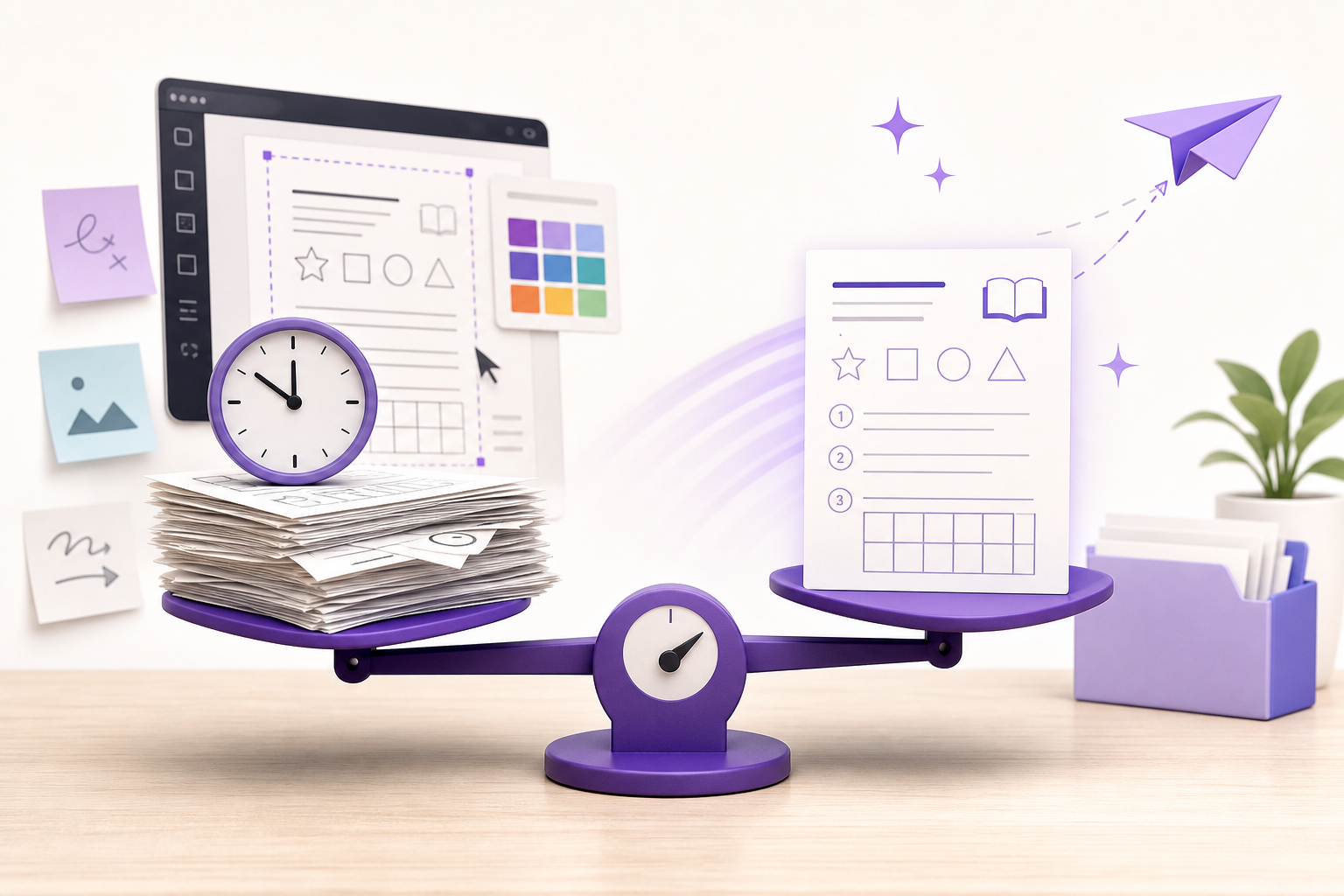
You have 40 minutes on a Sunday evening. You need a water cycle worksheet for your 5th graders — with an answer key — ready to print by morning.
Do you open Canva or Porosheets?
The honest answer depends on what you actually need. Both tools can produce something you'd call a worksheet. But the path to that PDF looks completely different, and when time is short, that difference matters.
What Each Tool Is Actually Built For
Canva
Canva is a visual design platform, and it's genuinely excellent at what it does. Teachers use it for classroom posters, presentation slides, parent newsletters, and yes, worksheets.
The workflow is design-first. You browse templates, pick one that roughly fits your subject, and edit it manually — replacing placeholder text, adjusting fonts, repositioning elements, writing in your own questions, deleting what doesn't apply. If you want an answer key, you build that separately. Same with a rubric.
Canva for Education layers AI-assisted features — quiz generation, lesson tools — on top of that same design workflow. It also integrates with Google Classroom and Canvas, which is a real advantage if your school has already standardized on those platforms.
When you put in the time, the results can be visually impressive. If you're making a worksheet that doubles as a classroom display, or if visual consistency matters for your school's materials, Canva earns its place.
Porosheets
Porosheets isn't a design tool. It's a document generation tool, and that distinction is the whole point.
You type a topic, a grade level, and the type of resource you want. One prompt. Porosheets generates a structured, ready-to-use document and exports it as a PDF. No template browsing, no visual editing.
Output types include worksheets with mixed question types (multiple choice, short answer, fill-in-the-blank), answer keys, grading rubrics, lesson plans with timing and materials, quizzes, and study guides. It also generates content natively in French and Arabic, which matters if you teach in a multilingual setting or work with ELL students.
A 3-day free trial. Cancel anytime.
The Real Difference: Input to PDF
This is where the two tools diverge most sharply.
With Canva, the path from "I need a worksheet" to "I have a print-ready PDF" involves real decisions and manual work. You choose a template. You settle on a layout. You write or paste in your questions. You format everything until it looks right. If the template doesn't fit your content, you're essentially redesigning it. A simple worksheet might take 20 minutes. A more polished one can take much longer.
With Porosheets, the path is: type your prompt, receive your document, export as PDF. The structure, question types, and answer key are all generated from that single input. There's no design layer between what you need and what you get.
For a teacher who needs a correct, content-appropriate, print-ready document fast, that gap is significant.
Side-by-Side Comparison
Input method
- Canva: Browse templates, select one, manually edit text and layout
- Porosheets: Single prompt — topic, grade level, resource type
Output speed
- Canva: Varies; typically 15–45 minutes for a complete, customized worksheet
- Porosheets: Generated in seconds from one prompt
Account required
- Canva: Yes, account required to save and export
- Porosheets: 3-day free trial
Price transparency
- Canva: Free tier available; Canva for Education is free for eligible teachers; paid plans have published pricing
- Porosheets: Free trial with unlimited generation; subscription pricing available on the site
Output types
- Canva: Worksheets, presentations, posters, and any other visual document you design
- Porosheets: Worksheets with mixed question types, answer keys, rubrics, lesson plans, quizzes, study guides
Language support
- Canva: Interface available in many languages; content depends on what you type or translate
- Porosheets: Generates content natively in English, French, and Arabic
Design control
- Canva: Full visual control over layout, fonts, colors, and images
- Porosheets: Structured document output; not built for visual customization
When Canva Makes More Sense
Canva is the stronger choice when visual design is part of the goal. If the worksheet needs to look like a polished classroom resource, match your school's branding, or serve double duty as something parent-facing, Canva is genuinely well-suited for that.
The LMS integration is also a real advantage in schools that have standardized on Google Classroom or Canvas. If your workflow already lives there, Canva fits naturally into it.
When Porosheets Makes More Sense
Porosheets is the faster choice when the content is what matters and the clock is running.
Sunday night prep. A sub plan you need in 20 minutes. A differentiated worksheet for a student working at a different reading level. A rubric for an assignment you're handing out tomorrow. A study guide for a unit review you forgot to prep.
In all of these situations, how the document looks is secondary. What you need is a correct, well-structured, ready-to-print resource, and Porosheets generates that from a single prompt.
The multilingual generation is also worth calling out specifically. For teachers in French immersion programs, bilingual classrooms, or schools serving Arabic-speaking families, generating a worksheet natively in French or Arabic is meaningfully different from running English content through a translation tool.
The Honest Summary
Canva and Porosheets are solving different problems. Canva gives you design control and polished visual output, at the cost of time and manual effort. Porosheets gives you a complete, structured educational document fast, at the cost of design flexibility.
If you're a K-12 teacher spending Sunday evenings building resources from scratch, the question isn't really which tool looks better. It's which one gets you to Monday morning prepared.
For most of that prep work — worksheets, rubrics, lesson plans, quizzes — Porosheets is faster by a significant margin. Canva is better when the visual presentation is the point.
Use both if your workflow calls for it. But know which one to open first when time is short.
Try Porosheets free at porosheets.com — 3-day free trial.
Frequently Asked Questions
Can Canva generate a worksheet with an answer key automatically?
Canva's AI tools can assist with quiz creation, but generating a complete worksheet with a built-in answer key from a single prompt isn't the core Canva workflow. You typically build and format the answer key separately as part of the design process.
Does Porosheets require an account to try it?
No. Porosheets offers a 3-day free trial. You can generate worksheets, rubrics, lesson plans, and other resources and export them as PDFs before committing to anything.
Which tool is better for a bilingual or French immersion classroom?
Porosheets generates content natively in French and Arabic, making it more practical for teachers who need resources in those languages without relying on translation. Canva supports many interface languages, but content generation depends on what you input.
Is Canva for Education free for teachers?
Canva for Education is available at no cost for eligible K-12 teachers and students. You'll need to apply and verify your educator status to access it.
What types of documents can Porosheets generate?
Porosheets generates worksheets with mixed question types, answer keys, grading rubrics, lesson plans with timing and materials, quizzes, and study guides — all exportable as PDFs.
Which tool is faster for a teacher with 20 minutes of prep time?
Porosheets is significantly faster for content-focused documents. A single prompt produces a complete, structured PDF in seconds. Canva's template-based design workflow typically takes longer, especially for a worksheet with multiple question types and an answer key.
Can I use both Canva and Porosheets together?
Yes. Some teachers use Porosheets to generate content and structure quickly, then use Canva separately for visual classroom materials like posters or presentation slides. They serve different purposes and work well alongside each other.
Related worksheets and resources
Generate any of these in seconds — no signup required to try.
Stop writing worksheets from scratch
Generate standards-aligned worksheets, quizzes, and lesson plans in under a minute. First worksheet free. Cancel anytime.
Get a free lessonKeep reading
August 19, 2026 · 6 min read
MagicSchool AI Alternatives for Generating Worksheets and Lesson Plans: Why Porosheets Is Faster for Single-Document Prep
August 17, 2026 · 2 min read
Top Alternatives to MagicSchool AI for Educators
April 19, 2026 · 4 min read